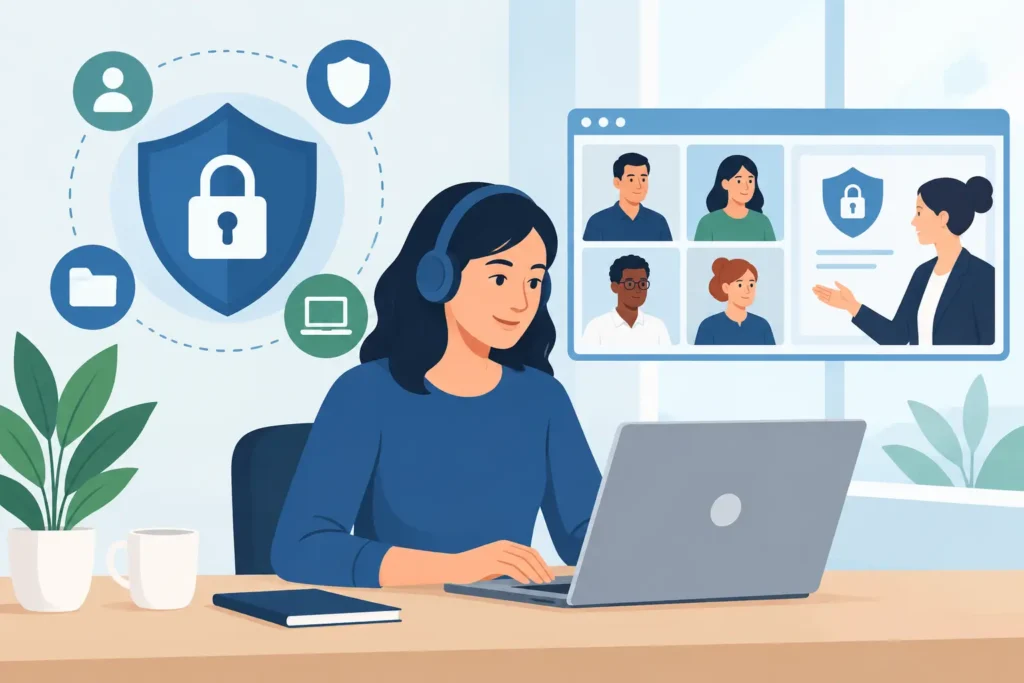
How to Train Remote Staff on Privacy Safely
A remote administrator who can access your practice management system can also access far more than appointments. They may see clinical notes, Medicare details, NDIS plans, contact information, billing records and sensitive patient correspondence. To train remote staff on privacy properly, healthcare businesses need more than a confidentiality clause and a one-off induction. They need practical habits that hold up during a busy day.
For allied health practices and NDIS providers, privacy training protects patients, supports compliance and prevents a small administrative error from becoming an operational disruption. It also gives remote team members the confidence to handle information correctly rather than making assumptions when a request falls outside the usual workflow.
Why healthcare privacy training needs to be specific
Health information is sensitive information under Australian privacy law. That means the standard for collecting, accessing, storing and sharing it is higher than it is for ordinary business data. A remote receptionist confirming an appointment, a virtual assistant uploading a referral or an admin team member following up an invoice all need to understand that their work has privacy consequences.
Generic cyber-security training is useful, but it is not enough. Staff must understand the real decisions they will face in a healthcare setting: whether a caller has authority to receive information, what can be included in an email, where documents can be saved, and when they should stop and escalate an unfamiliar request.
The goal is not to turn every team member into a privacy officer. It is to make correct privacy behaviour part of the workflow, just like checking appointment details or recording a patient interaction accurately.
Start with the access each role actually needs
Privacy training works best when access is limited before training begins. A medical receptionist does not need the same system permissions as a practice manager. An NDIS virtual assistant preparing service agreements may need access to selected client records, while a marketing assistant should not have access to clinical systems at all.
Use role-based access to give each person the minimum information and system functions required for their duties. This reduces risk, simplifies training and makes it easier to identify unusual activity. It also avoids the common mistake of sharing one general login across several staff members, which weakens accountability and makes audits difficult.
Before a remote staff member starts, document what they can access, why they need it and who approves any changes. Access should be reviewed when responsibilities change, when a staff member moves teams and immediately when their engagement ends.
Train remote staff on privacy through real scenarios
Policies matter, but scenarios are what people remember when the phones are ringing and the inbox is full. Build training around the everyday situations your remote team will encounter, using your own systems and procedures.
For example, a staff member may receive an email from a parent asking for a copy of their adult child’s therapy notes. They may take a call from a support coordinator requesting a progress update. Or they may notice a referral attached to an email sent to the wrong address. In each case, the training should explain what to check, what action is permitted and who to contact if there is any doubt.
Staff should be clear on several non-negotiables:
- Verify identity and authority before discussing a patient, participant or client.
- Use approved practice systems and secure communication channels only.
- Share the minimum information needed to complete the task.
- Never download records to personal devices, email accounts or unapproved cloud storage.
- Escalate suspected privacy incidents immediately, even if the error appears minor.
The right answer will sometimes depend on consent, guardianship arrangements, service agreements and the particular information requested. Training should encourage staff to pause rather than guess. A short delay to confirm a process is far safer than disclosing information to the wrong person.
Make secure behaviour easy to follow
Privacy failures often begin with friction. If it takes too long to access approved files, staff may create shortcuts. If shared inbox rules are unclear, messages can be forwarded unnecessarily. If a team member does not know how to report an incident, they may try to fix it quietly and delay the response.
Set up clear, practical controls around the way remote staff work. Require unique user accounts, strong passwords and multi-factor authentication. Set automatic screen locks, restrict copy-and-paste or downloads where appropriate, and ensure access occurs through approved devices and secure connections.
For offshore teams, secure infrastructure is particularly important. The question is not simply whether staff are located outside Australia. The question is whether your business has appropriate controls, contractual obligations, oversight and processes for handling Australian patient information. Offshore access can be managed responsibly, but it should never be treated as a generic admin arrangement.
A healthcare-focused staffing partner can help by providing pre-vetted staff who are trained in Australian healthcare workflows, confidentiality requirements and secure system use. At HealthDoers Australia, this operational alignment is designed to help practices add capacity without handing privacy risk to an unprepared generalist.
Cover phishing, misdirected messages and social engineering
Most privacy incidents are not caused by sophisticated hackers. They often begin with a believable email, a rushed phone call or a message that appears to come from a clinician or manager.
Teach staff to be cautious when someone requests passwords, account changes, payment details, patient records or urgent access to a system. They should independently verify unusual requests using known contact details rather than replying directly to the message or relying on a caller’s confidence.
Email deserves particular attention. Remote staff should check recipient addresses before sending sensitive information, use approved templates and avoid including unnecessary clinical detail in subject lines. Where your practice uses secure messaging or a patient portal, staff should know when those channels are required instead of ordinary email.
Run short refresher exercises rather than relying solely on annual compliance modules. A five-minute discussion of a realistic phishing attempt or misdirected email can reinforce good judgement far better than a long presentation staff complete once and forget.
Build incident reporting into the culture
A privacy incident is not always a large-scale data breach. It can be a document sent to the wrong recipient, a screen left visible during a video call, an unauthorised person overhearing a conversation or a lost device with work access.
Your team needs a simple reporting path: who to tell, how quickly to tell them and what details to provide. Staff should understand that reporting promptly is expected, not punished. The earlier a practice knows about an error, the more options it has to contain the issue, assess harm and meet any notification obligations.
A useful process includes immediate containment, such as recalling an email where possible or disabling an account; recording what happened; notifying the responsible manager or privacy lead; and preserving relevant evidence. Your leadership team can then assess whether the incident triggers further action, including obligations under the Notifiable Data Breaches scheme.
Avoid telling staff to make their own judgement about whether an incident is serious enough to report. Their role is to report the concern. The practice’s designated leaders decide the next steps.
Check understanding, not just completion
A signed policy acknowledgement confirms that a staff member received the document. It does not confirm that they can apply it in a live patient interaction. Test understanding through short role-based questions during onboarding, then revisit the subject at regular intervals.
Ask a remote receptionist how they would respond to a family member requesting information. Ask an admin assistant what they would do after attaching the wrong file to an email. Review access logs and workflow quality, not as surveillance for its own sake, but as a way to identify gaps before they become incidents.
Training should also change when your systems, services or privacy processes change. A new practice management platform, a new telehealth workflow or an expanded NDIS service offering can introduce new access points and new risks. Update the relevant training at the same time you update the process.
Privacy training is a capacity decision
When privacy expectations are clear, remote staff can work faster without taking unsafe shortcuts. They know when they can act independently, when they need consent or verification, and when a manager must make the call. That reduces interruptions for clinicians while protecting the trust patients place in your practice.
The strongest privacy training is practical, repeated and connected to daily work. Give people limited access, clear rules and a safe escalation path, then reinforce those standards as your team grows. That is how remote support becomes a reliable extension of your healthcare operation, not an additional compliance concern.
You might also like
-
Uncategorized

Patient Communication Standards Guide for Practices
Use this patient communication standards guide to improve access, protect privacy, reduce missed appointments and give patients a consistent experience.
-
Uncategorized
Healthcare Cybersecurity Trends for Australian Clinics
Healthcare cybersecurity trends are reshaping how Australian clinics protect patient data, manage remote teams and keep care moving safely every day.
-
Uncategorized

Support Coordination Admin Example That Saves Time
See a practical support coordination admin example, including tasks, workflows and controls that reduce admin load while protecting participant service.